
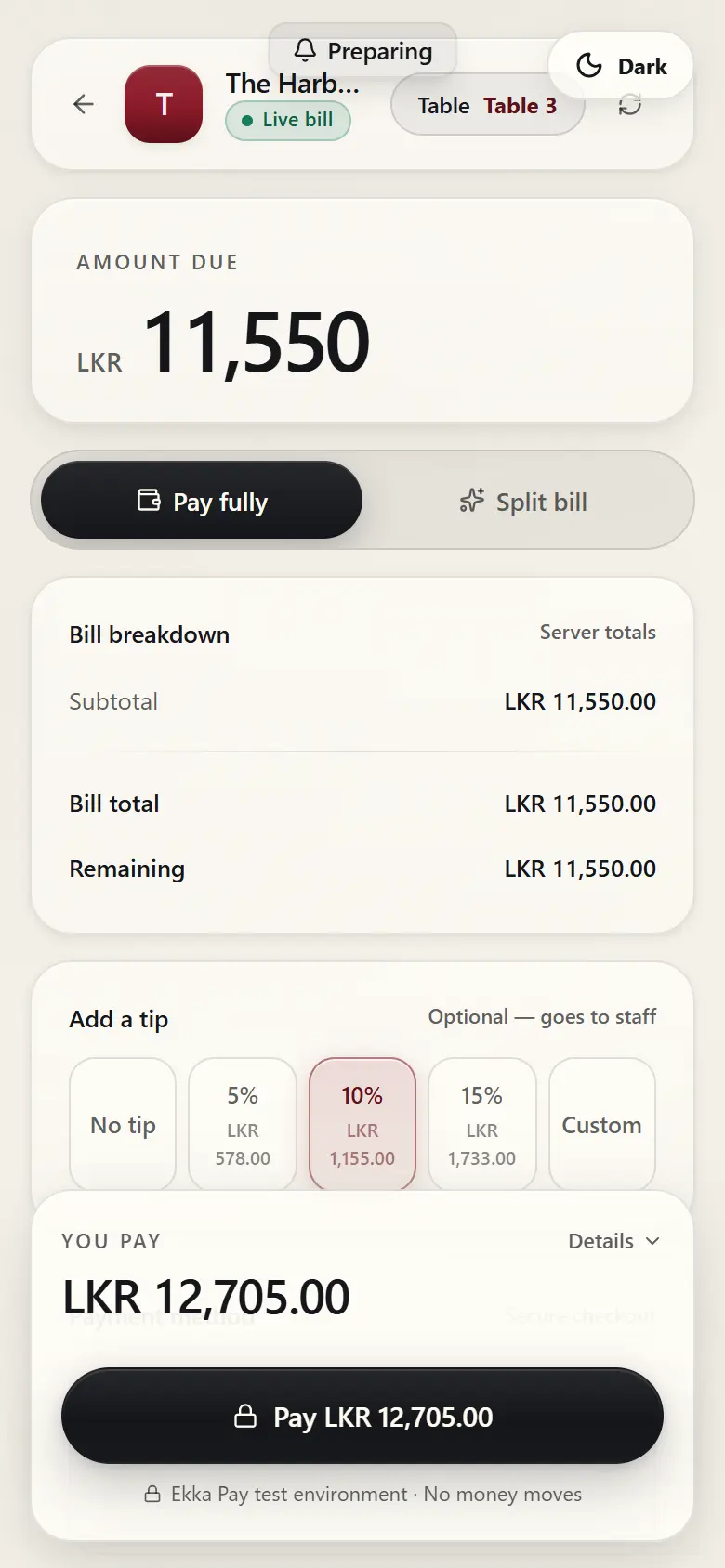
A little extra appreciation.
Guests can choose to add a tip.
QR menus, table ordering, shared bills, and insights
From the first order to the final split, Ekka keeps dining moving.
Guests scan, order and pay from their own phones. No app download.
The guest experience
EKKA
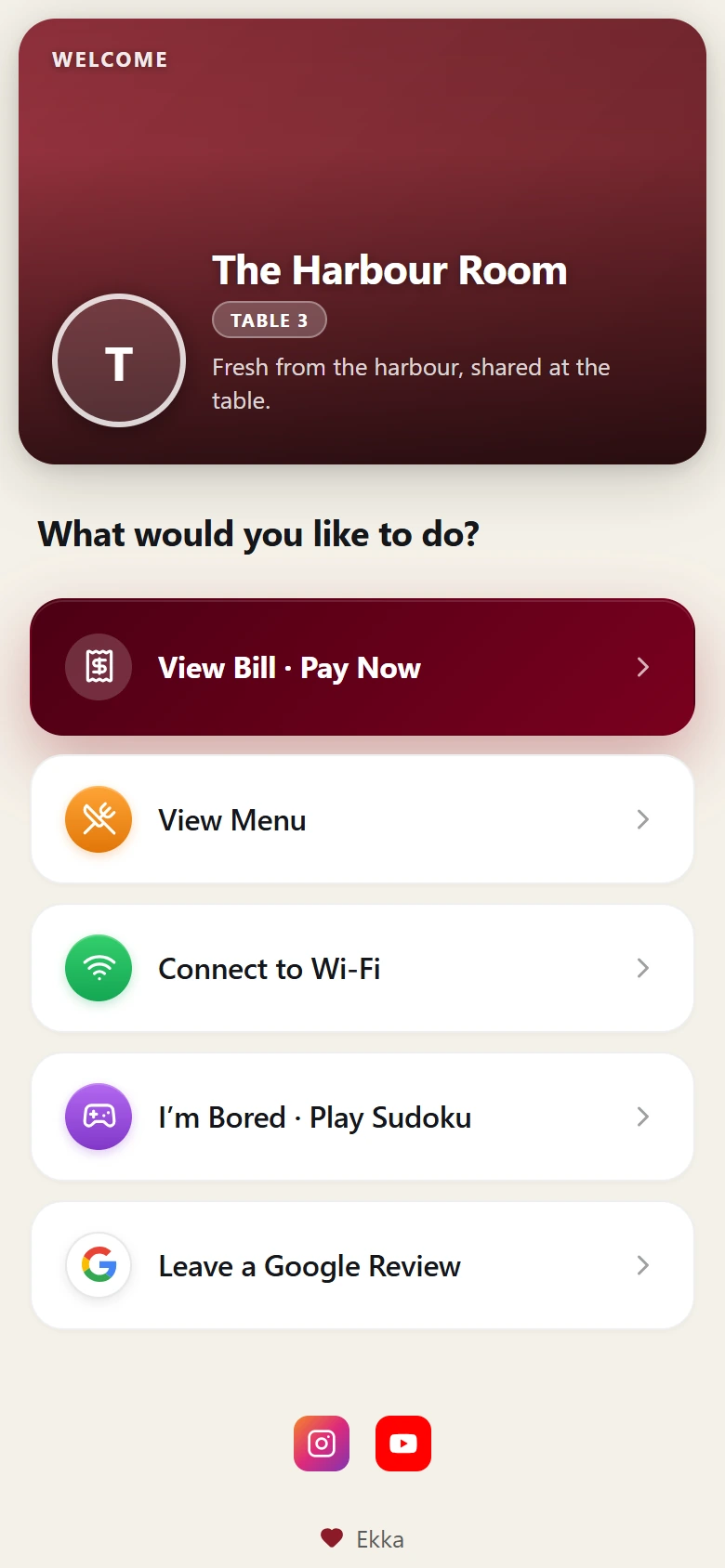
The Harbour Room
Table 3
Scan to view menu, order & pay
Keep scrolling
01
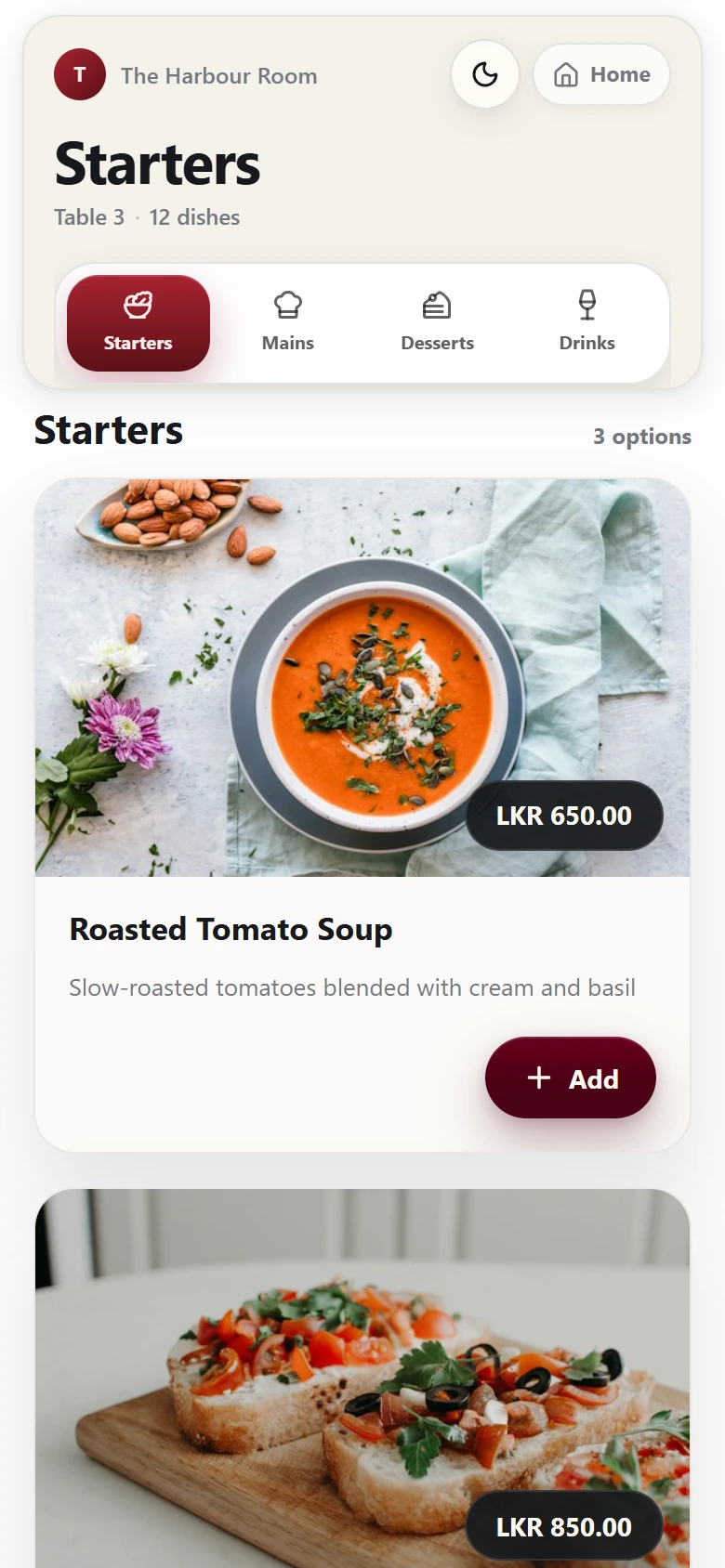
The table QR opens the menu in your browser — nothing to install.
02
Browse dishes and prices, then order right at the table.
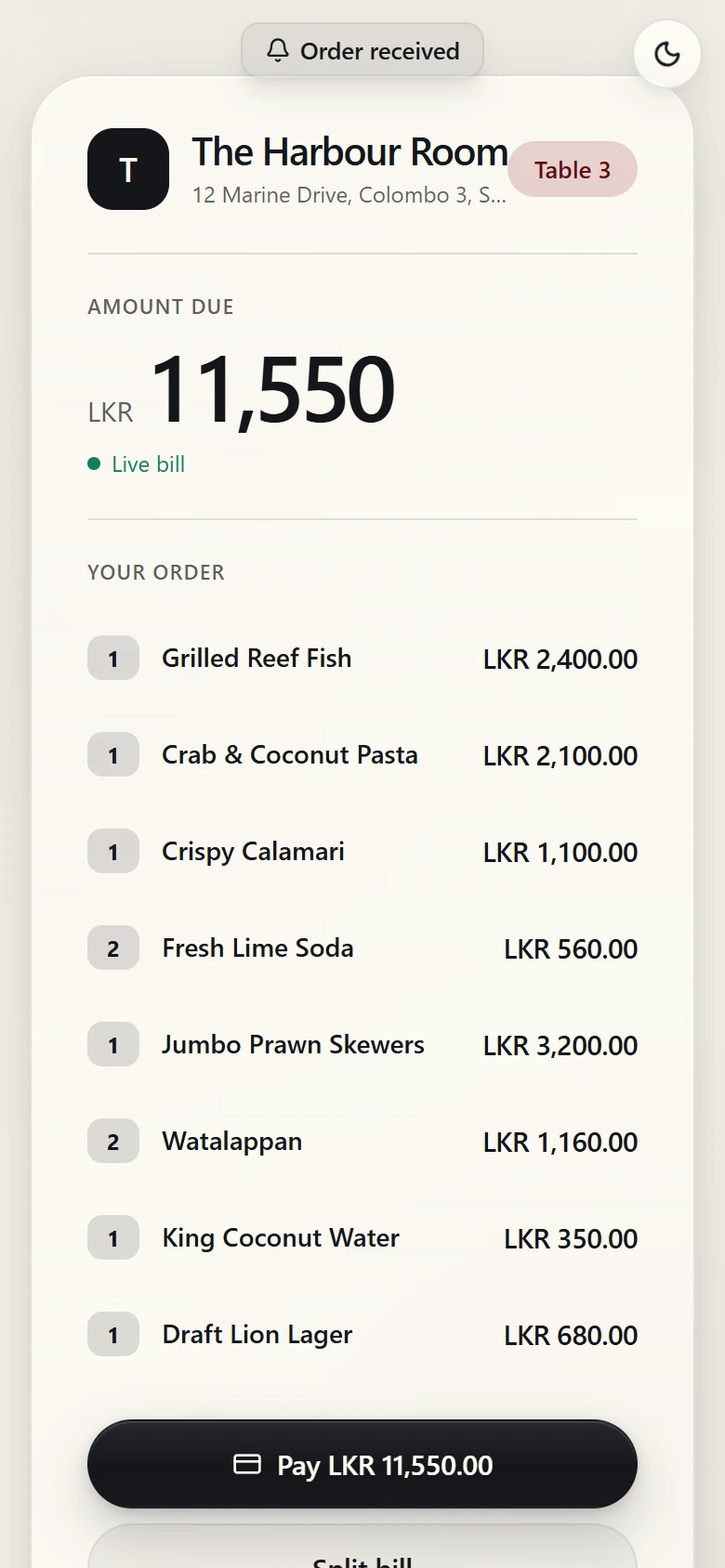
03
Everyone’s orders arrive in one shared bill.
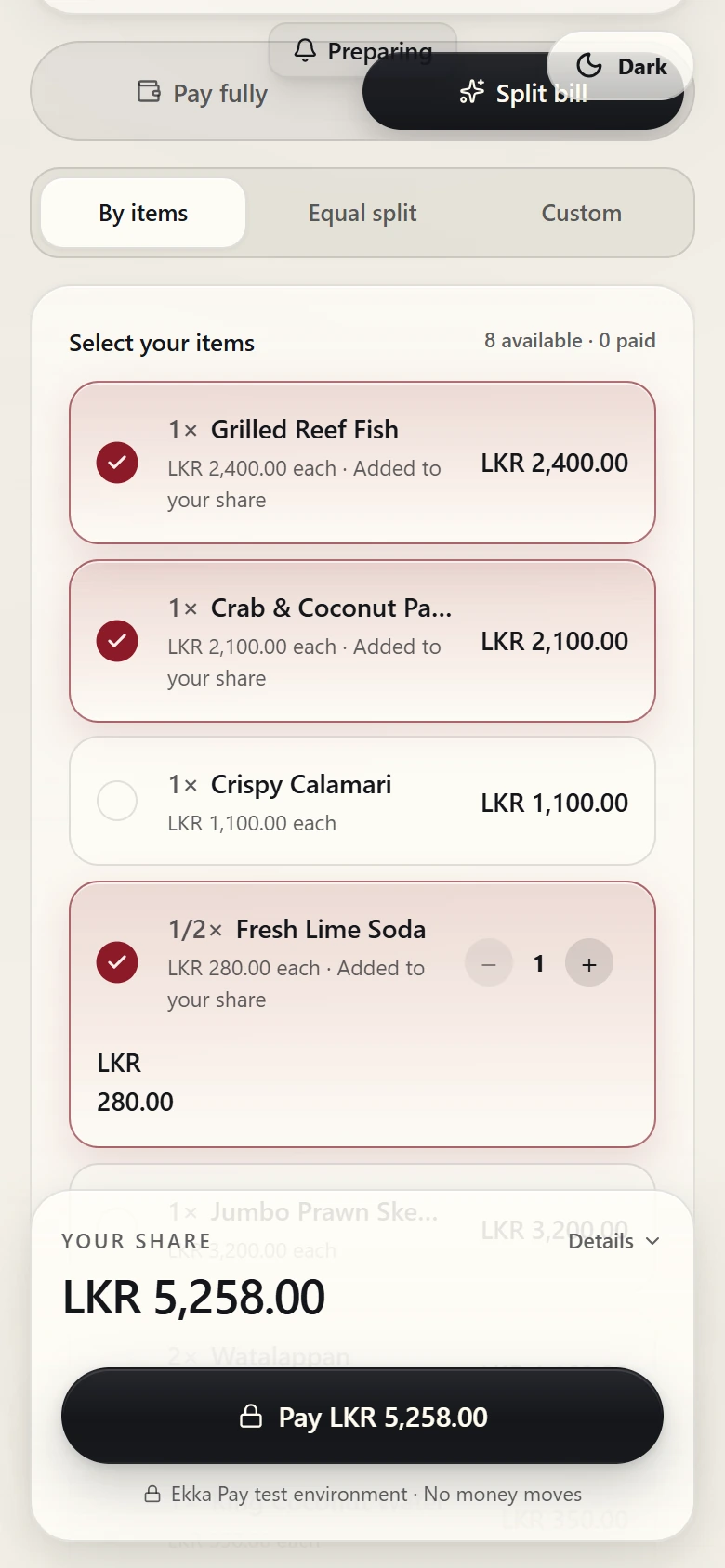
04
Choose what you’re paying for and settle your share.
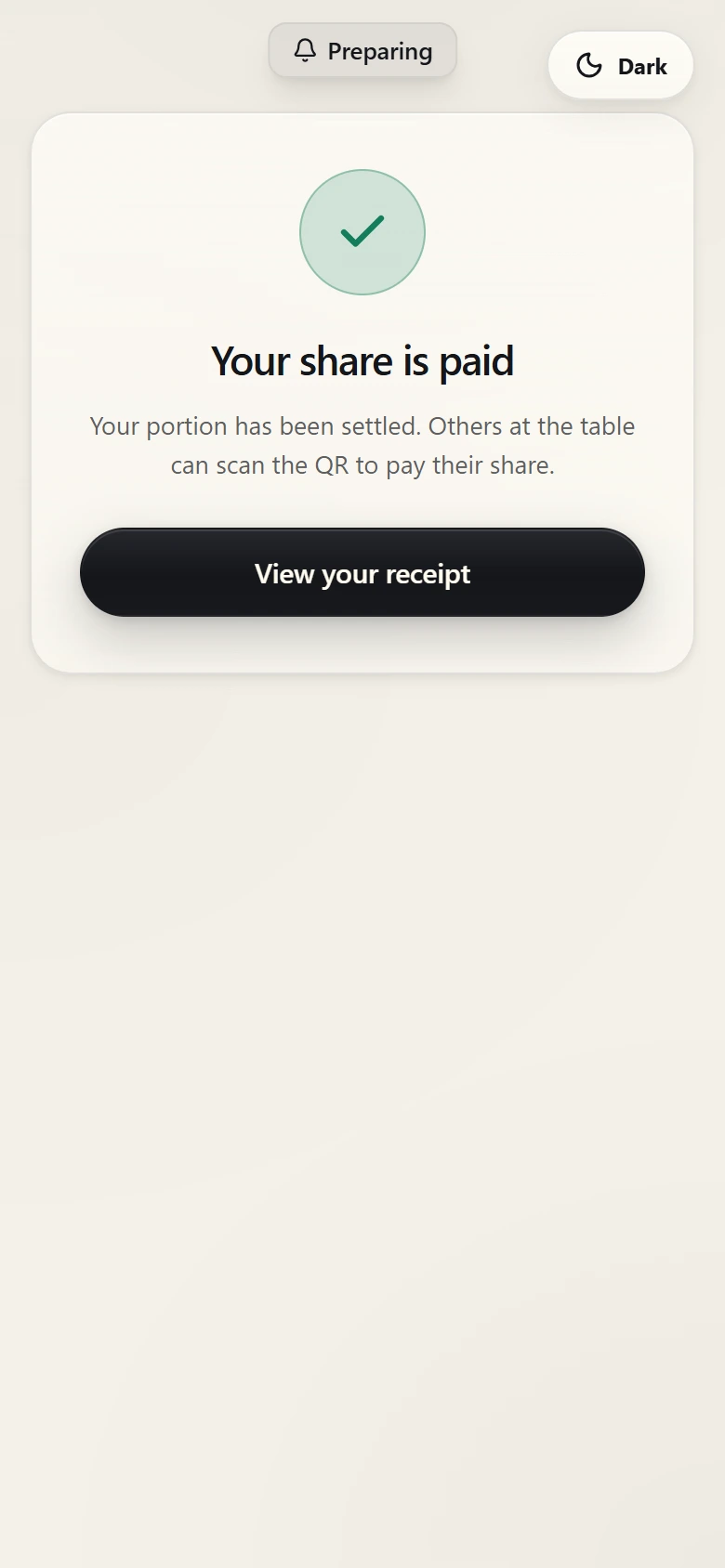
05
A clear finish to the evening.
Product preview · Demo data
Split billing
Pick items, split equally, or set your own amount — every guest pays from their own phone.
Product preview · Demo data
A little extra appreciation.
Guests can choose to add a tip.
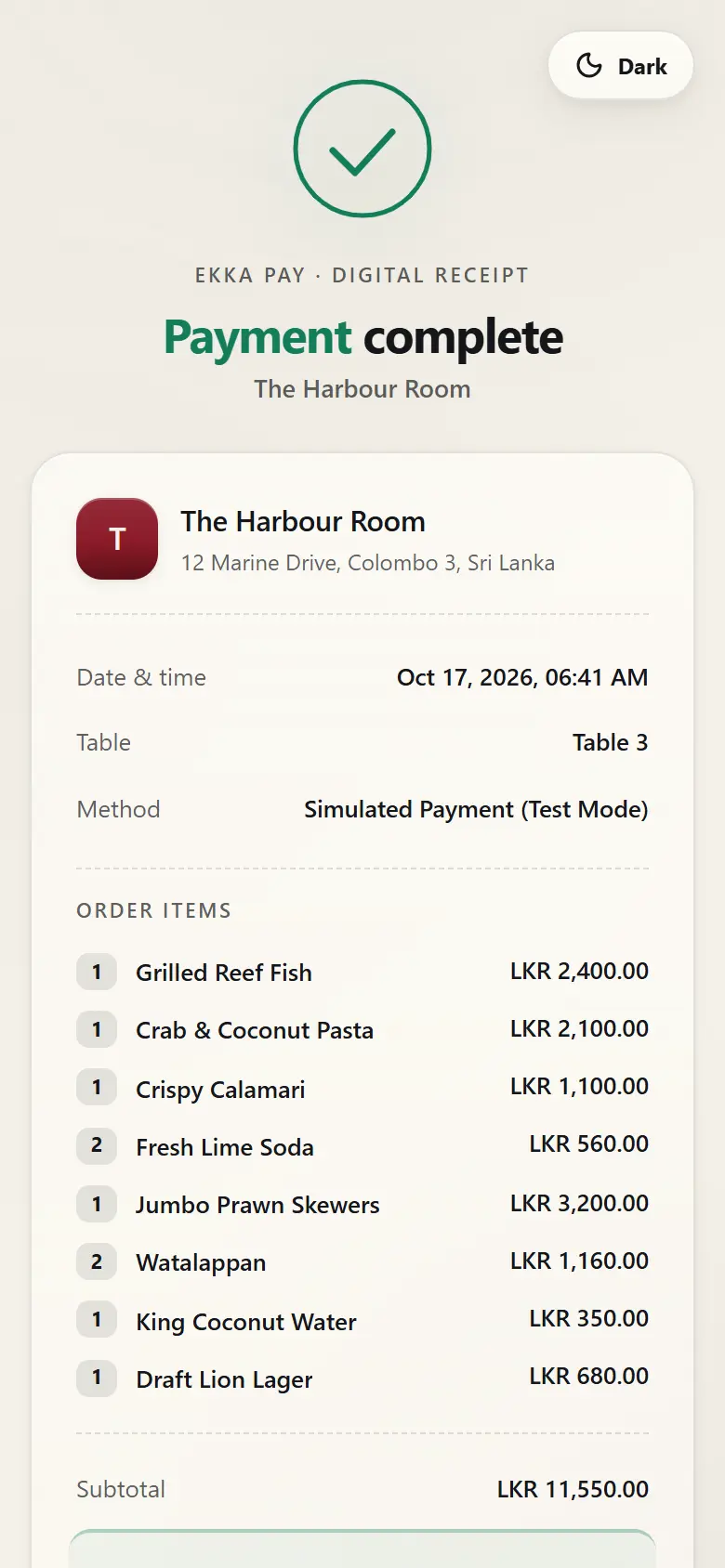
A clear digital receipt.
Keep the payment details easy to review.
An easy route to feedback.
Give guests a convenient link to leave a review.
FAQ
Tell us about your restaurant and we’ll show you what Ekka can do.